
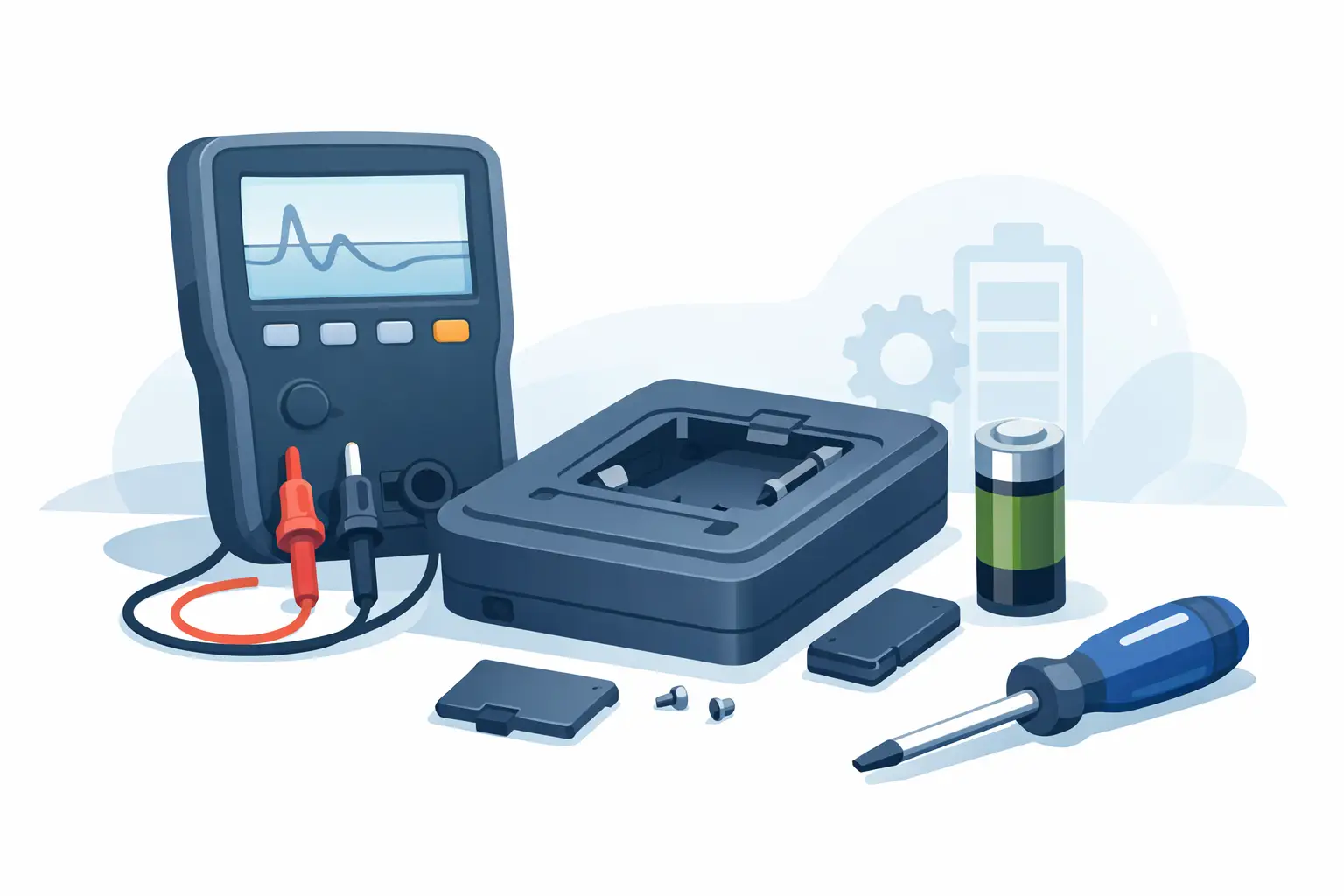
A handheld LCR meter usually tells you when battery service is overdue before it fully shuts down. You see a dim display, unstable readings, slower auto-detection, or the meter powers on and off unpredictably during measurement. That is exactly when an lcr meter battery replacement guide becomes useful – not after a leaking cell has already damaged the contacts.
Battery replacement is simple on most portable LCR and ESR meters, but it is still a maintenance task that affects reliability. If the battery is installed incorrectly, the compartment is forced shut, or the wrong chemistry is used, the meter may power up and still fail in less obvious ways. For engineers and repair technicians, that matters because bad power can look like bad measurement.
When an LCR meter battery replacement guide is necessary
Do not wait for a complete no-power condition. Most users replace the battery only when the meter will not turn on, but low supply voltage can introduce nuisance behavior first. Auto-ranging may feel inconsistent, backlight performance may drop, and measured values may appear to drift more than expected when testing small components.
There is also a practical reason to replace batteries early in devices used for field service or production support. A compact tweezer-style meter is often chosen because it removes setup time. That benefit disappears quickly if the instrument becomes unreliable halfway through troubleshooting.
If your meter has been stored for a long period, battery inspection matters even more than battery life. Older cells can leak without much warning. In that case, replacement is only part of the job. You also need to check contacts and the compartment for contamination or corrosion.
Before replacing the battery
Start by identifying the exact battery type specified for your meter. Do not assume all handheld LCR meters use the same cell just because they share a similar form factor. Some units use coin cells, some use AAA batteries, and some use rechargeable lithium packs. The correct voltage and chemistry are not suggestions. They are part of the instrument’s power design.
Next, power the meter off completely and remove any component under test. If the device uses tweezer probes, make sure nothing is caught between the tips while you handle it. Work on a clean bench with enough lighting to see polarity markings clearly. A small Phillips screwdriver is common, but some models use different fasteners, so use the correct tool to avoid stripping screws.
It also helps to discharge static from your hands before opening the instrument. Battery replacement is not the same as servicing the measurement front end, but you are still handling a precision device. Basic ESD awareness is good practice.
How to replace the battery safely
Open the battery compartment carefully. If the cover does not release with light pressure after the screw is removed, do not pry aggressively at random points on the housing. Check for hidden screws, sliding locks, or tabs molded into the case. Many broken battery doors are caused by rushing this step.
Remove the old battery gently. If a coin cell is held by a clip, note the orientation before lifting it free. If the meter uses cylindrical batteries, observe the positive and negative markings in the compartment instead of relying on memory. Reversed installation is one of the most common causes of immediate post-replacement failure.
Inspect the contacts before installing the new cell. Clean metal surfaces should look bright and uniform. If you see white residue, green corrosion, or dark discoloration, the issue may be larger than a drained battery. Mild contact contamination can sometimes be cleaned carefully, but severe corrosion may require service because increased resistance at the power terminals can create intermittent behavior.
Install the new battery without bending the contacts. It should fit securely but not require force. If the cover will not close naturally, stop and recheck the orientation and battery type. Forcing the compartment closed can crack the housing or deform springs, which then creates future power dropouts.
After the compartment is secured, power the meter on and verify normal startup. Do not assume success just because the display lights. Check that the low-battery icon is gone, the display contrast is stable, and button response is normal. If your instrument supports self-test or a known reference check, use it.
LCR meter battery replacement guide for common battery issues
A new battery does not always solve the problem. If the meter still fails to power on, first confirm that the replacement cell is actually fresh. It sounds obvious, but batteries from mixed bench drawers or old stock can already be discharged. Measuring the cell with another meter is faster than reopening the same compartment twice.
If the display flickers or the meter resets when you touch components, inspect the contacts again. A battery can make partial contact and still cause intermittent power under load or movement. This is especially relevant for portable instruments that are handled constantly during probing.
If the meter powers on but readings still seem abnormal, do not immediately blame calibration drift. Low battery symptoms and contact issues can mimic measurement instability, but so can poor probe contact, contamination on tweezer tips, or testing in a noisy environment. Replace the battery first, then verify performance with a known component.
For rechargeable models, the troubleshooting path is slightly different. Capacity fade is gradual, and charging electronics add another variable. If runtime has dropped sharply, compare charging behavior, temperature during charge, and battery age. In some instruments, the battery may be healthy while the charge port or cable is the real failure point.
Choosing the right replacement battery
The best replacement is the exact specification recommended by the manufacturer. Matching only the physical size is not enough. Nominal voltage, discharge behavior, and chemistry all affect how the instrument operates. A precision handheld meter is not a flashlight. Stable power matters.
Premium branded cells are usually worth the small extra cost in test equipment. They tend to offer better shelf life, more consistent voltage, and lower leakage risk. For a meter used in professional troubleshooting, the battery is one of the cheapest parts of the ownership cycle, so this is not the place to save a dollar and accept uncertainty.
There is also a trade-off between disposable and rechargeable cells in devices designed to accept both. Rechargeables can reduce operating cost, but some chemistries provide lower nominal voltage than alkaline equivalents. Whether that matters depends on the instrument’s power regulation design. If the manufacturer does not explicitly support a certain chemistry, avoid experimenting.
Good battery practices for measurement reliability
Battery maintenance is really instrument maintenance. If your LCR meter is used daily, set a replacement schedule based on hours of use rather than waiting for warnings. In production or service environments, predictable maintenance prevents avoidable downtime.
Storage conditions matter as well. Remove batteries from meters that will sit unused for extended periods, especially in hot or humid environments. Leakage damage is far more expensive than replacing a battery early. Keep spare cells sealed and labeled by purchase date so you do not install old inventory by mistake.
It is also smart to verify the instrument after any battery change. Measure a known resistor, capacitor, or inductor and compare the result with expected tolerance. This does not replace formal calibration, but it confirms that the meter is operating normally after service. Brands such as LCR-Reader are built for fast, direct component measurement, and that workflow depends on both electrical accuracy and dependable power.
Mistakes to avoid during battery replacement
The most common errors are simple. Users install the battery backward, mix old and new cells, overtighten the battery door screw, or ignore minor corrosion because the meter still turns on. Each one can create problems that show up later as intermittent operation or shortened battery life.
Another mistake is treating a low-battery event as isolated. If the meter is draining batteries unusually fast, look for the underlying cause. Constant backlight use, accidental power-on during storage, a damaged power switch, or a charging fault in rechargeable models can all shorten runtime.
Finally, avoid using battery replacement as a substitute for broader maintenance. If the probes are worn, the tips are contaminated, or the meter has been dropped, a fresh battery will not restore proper performance. Good power is necessary, but it is only one part of repeatable measurement.
A reliable meter should disappear into the workflow and let you focus on the component in front of you. Replacing the battery correctly is a small task, but it is one of the easiest ways to protect that reliability before the next troubleshooting job lands on your bench.