
A technician sorting intermittent capacitor failures on a crowded repair bench has different priorities than a quality engineer building a traceable production record. That distinction is the practical center of Bluetooth component meters versus USB logging. Both interfaces can move measurement data beyond the instrument display, but they change the work process in very different ways.
For handheld LCR and ESR measurement, the decision is not simply wireless versus wired. It affects where the meter can be used, how often readings are captured, whether records are dependable enough for the job, and how much interruption the operator accepts while measuring small surface-mount components.
What Each Connection Method Actually Does
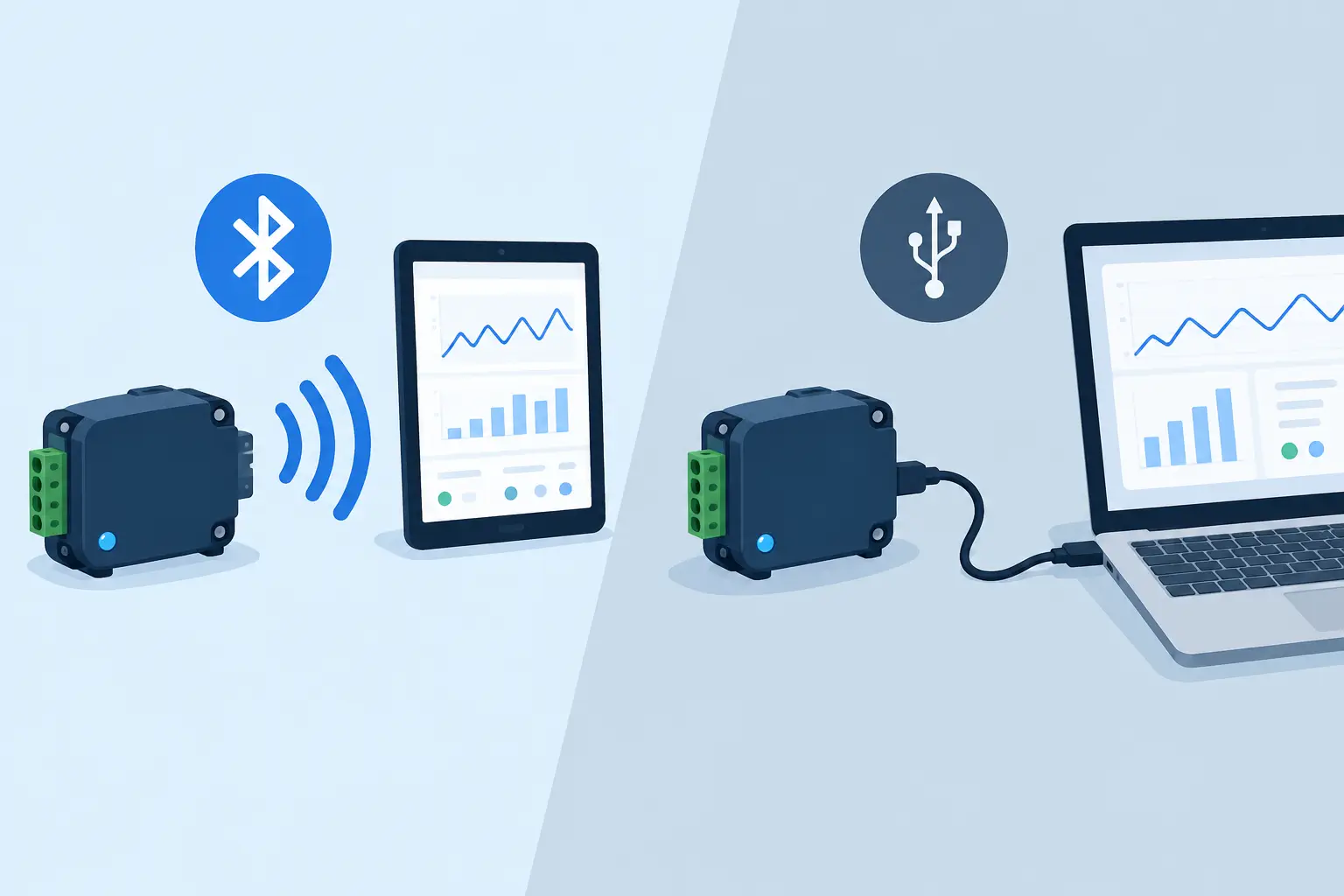
A Bluetooth-enabled component meter sends readings wirelessly to a nearby phone, tablet, or computer. Depending on the instrument and software, the receiving device may display live measurements, retain a history, export readings, or support documentation with photos and job notes. The principal advantage is that the operator is not physically tethered to the data display.
USB logging uses a cable connection between the meter and a computer or other host. In some instruments, USB also provides charging, firmware communication, or a serial data interface. For logging applications, the key point is that the cable establishes a direct path for readings to a controlled workstation.
Neither approach changes the underlying measurement quality by itself. Accuracy still depends on the meter’s measurement circuitry, selected test frequency, calibration condition, contact quality, and the component under test. A Bluetooth connection cannot correct poor probe contact on a 0402 resistor, and a USB cable cannot make an out-of-calibration instrument traceable. The interface determines how results travel and how easily they become part of a workflow.
Bluetooth Component Meters Versus USB Logging at the Bench
Bluetooth is usually the better fit when mobility has real value. A repair technician can measure a board under a microscope while viewing or recording results on a separate screen. A field engineer can move between equipment cabinets without repeatedly connecting and disconnecting a cable. In a training environment, a tablet display can make a measurement easier for several people to observe than the small display on a handheld meter.
The advantage becomes more noticeable when the meter is used in short, frequent measurement sessions. Component identification, incoming-part checks, and board-level troubleshooting often involve many quick readings rather than one long automated test. Wireless capture lets the operator keep the handheld instrument in hand, place the tweezers on the next device, and retain results without rearranging the work area.
USB is often stronger at a fixed bench where the computer is already part of the test station. A cable is simple: connect the instrument, confirm the port, and collect data. There is no pairing process, no wireless range question, and generally less concern about radio interference or device permissions. For a technician who measures parts at one location all day, that predictability may outweigh the freedom of wireless operation.
A direct USB connection also suits scripts and controlled test applications. When a workstation is responsible for collecting readings from a defined sequence of units, a wired connection is easier to standardize. The cable is visible, the instrument identity can be controlled, and the operator has fewer opportunities to send data to the wrong nearby device.
| Workflow factor | Bluetooth component meter | USB logging | | — | — | — | | Operator movement | High freedom around the bench or field site | Limited by cable length and workstation location | | Setup | Requires pairing and compatible receiving software | Requires cable, port recognition, and host software | | Live documentation | Convenient with a mobile device and photos | Convenient at a computer-based station | | Fixed test stations | Useful, but may add unnecessary wireless steps | Usually the simpler choice | | Electrical isolation | No data cable connected during measurement | Cable may require attention in sensitive setups |
Logging Is Only Useful When the Record Has Context
A spreadsheet full of values is not automatically useful test documentation. Whether readings arrive through Bluetooth or USB, a worthwhile record needs enough context to be interpreted later. At minimum, that normally means the component or board identifier, measurement type, units, date, operator, and the relevant test conditions.
This matters particularly for capacitance, inductance, and ESR. A result can look reasonable but still be misleading if the test frequency, measurement mode, fixture, or calibration state is unknown. For example, an ESR comparison is meaningful only when the same relevant conditions are used across the parts being evaluated. Logging a number without those conditions can create a record that looks precise but cannot support a technical decision.
Bluetooth can make contextual logging easier when the receiving device is a phone or tablet. The operator may be able to add a board serial number, a failure description, a location, or an image at the moment of measurement. That is valuable for repair reports and field-service records, where the story around the reading often matters as much as the reading itself.
USB logging is better aligned with formal templates, automated naming rules, and local file-control practices. A production or quality group may want every record stored in a specific directory, associated with a job traveler, and reviewed against acceptance limits. In that environment, the convenience of mobile notes is less important than repeatable data handling.
Reliability, Power, and Security Trade-Offs
Wireless systems introduce a few practical variables. Bluetooth range is finite, and physical obstacles, crowded radio environments, operating-system updates, and battery state can affect the user experience. The meter and receiving device also need to be paired correctly. If several instruments are active in the same area, naming and device-management discipline matter.
That does not make Bluetooth unsuitable for professional work. It means the connection should be verified before a measurement session that requires complete records. A good practice is to confirm that live readings appear on the receiving device, perform a known-value check if applicable, and verify that the intended file or project is selected before measuring a batch.
USB has its own limitations. Cables wear, connectors can be strained, and laptop port behavior is not always consistent. A cable can interfere physically with microscope work or create an awkward pull on a lightweight handheld instrument. In electrically sensitive situations, engineers should also consider grounding paths and the behavior of the host computer. The appropriate setup depends on the instrument design and the circuit being tested.
Security requirements can favor USB when a facility restricts wireless devices or requires all test data to remain on a controlled workstation. Bluetooth may be acceptable for internal repair documentation but prohibited on a secure production floor. Conversely, a field technician may have no practical place for a laptop but can carry a managed mobile device. The policy and environment should decide the interface, not convenience alone.
Choose the Interface Around the Measurement Job
For fast SMT troubleshooting, Bluetooth is most useful when it removes a real obstacle: a cramped work area, frequent movement, shared viewing, or the need to combine readings with mobile documentation. A compact automatic meter with tweezer probes already reduces setup by identifying resistance, capacitance, inductance, or ESR at contact. Wireless data capture extends that speed when the results need to leave the meter.
For repetitive inspection, a cable-connected logging setup is often the more disciplined option. If every component lot, repair action, or completed assembly needs a consistent record, USB supports a stable workstation process. It is especially sensible when the same computer runs test instructions, labels files, and stores quality data.
There is also a middle ground. Many technicians do not need continuous logging for every reading. They may use a handheld meter as a fast diagnostic tool most of the time, then enable Bluetooth or connect USB only when a failure requires documentation. This avoids turning simple troubleshooting into an administrative task while preserving the ability to capture evidence when it matters.
LCR-Reader users should evaluate the available communication features alongside the measurement ranges, accuracy specifications, supported test frequencies, and calibration requirements of the specific model. Data transfer is valuable only after the meter has produced a valid measurement under suitable conditions.
The better choice is the one that keeps the operator focused on the component, preserves the measurements that must be retained, and adds the fewest unnecessary steps between a stable probe contact and a decision.