
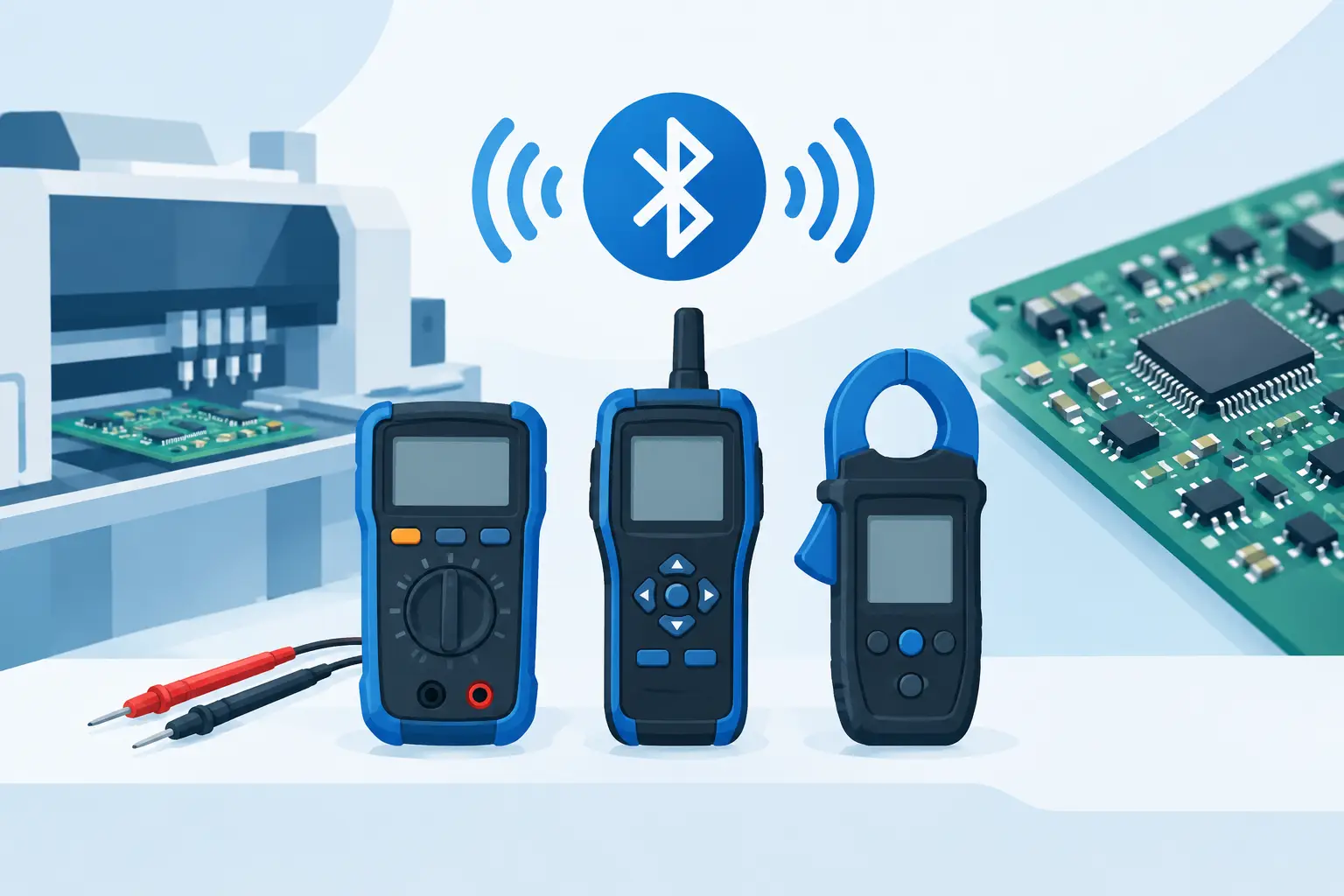
A Bluetooth meter comparison should begin at the component, not the phone. For SMT troubleshooting, wireless connectivity is useful only when the meter can first make a stable, repeatable measurement on a 0402 resistor, a low-ESR capacitor, or an in-circuit suspect component. Bluetooth can improve documentation and visibility, but it does not compensate for poor contact geometry, unsuitable test conditions, or uncertain calibration.
The right choice depends on what must happen after the measurement. A technician sorting boards at a repair bench may need fast automatic identification and a clear local display. A quality-control team may need recorded results and traceability. An engineer comparing drift across a production run may value streaming data more than pocket-size portability. Treat Bluetooth as part of the measurement workflow, not as the primary specification.
Bluetooth Meter Comparison: Start With Measurement Quality
A Bluetooth meter can be a digital multimeter with wireless logging, a handheld LCR meter, or a tweezer-style instrument built for direct surface-mount component contact. These categories overlap in connectivity but solve different problems. Comparing them solely by whether they have an app leads to the wrong purchase.
For component-level work, verify which parameters the instrument measures and under what conditions. Resistance, capacitance, inductance, ESR, diode behavior, test frequency, test voltage, and measurement range all affect whether a result is meaningful. A meter that displays capacitance may not be the best tool for identifying a degraded capacitor if it cannot provide ESR at an appropriate test condition. Likewise, a resistance reading alone may not distinguish a low-value resistor from probe and contact resistance.
Accuracy must be read with its stated range, test frequency, and environmental conditions. A percentage specification without those details is incomplete. Resolution is also not accuracy: extra displayed digits can create confidence without improving the underlying measurement. For low-value components, repeatability and stable contact are often more useful indicators at the bench than a long display field.
A practical comparison should ask four questions:
- Can the meter identify the component and select suitable measurement parameters automatically?
- Does its stated accuracy apply to the range and test frequency used for the components being checked?
- Can the probes contact small parts consistently without adding excessive resistance or stray capacitance?
- Does Bluetooth preserve, organize, and export the measurement information needed for the job?
If the first three answers are weak, the fourth has limited value.
Meter Form Factor Changes the Result
Conventional handheld meters are flexible instruments for voltage, continuity, current, and general circuit diagnostics. Their leads reach into enclosures and across boards, making them indispensable for many tasks. However, loose probes are not always efficient when the work consists of measuring individual chip components or locating a questionable part in a dense SMT area.
Tweezer-style LCR meters address that specific workflow. The operator touches both terminals of a component, and the instrument identifies the component type and measures it without requiring range selection or separate lead positioning. This can reduce handling time when checking trays of parts, verifying values during rework, or comparing a suspect component with a known-good board location.
The trade-off is specialization. Tweezers do not replace a general-purpose multimeter for voltage checks across a powered circuit, and they should not be selected with that expectation. Their advantage is controlled, direct contact on small components. For many repair benches, the most efficient setup is a general meter for circuit-level diagnostics and a tweezer LCR meter for component identification and characterization.
Probe construction deserves close attention in any Bluetooth meter comparison. Fine tips must be durable enough for repeated contact while remaining narrow enough to avoid bridging adjacent pads. Spring tension, tip alignment, insulation near the contact area, and the ability to use Kelvin-style connections where appropriate all influence practical results. A technically capable measurement engine is only as useful as the connection made to the device under test.
What Bluetooth Actually Adds
Bluetooth is most valuable when it removes a manual step that causes delay or transcription errors. Typical benefits include viewing readings on a larger screen, recording a sequence of results, attaching measurements to inspection records, and sharing data with an engineer or quality team. This is particularly useful where readings need to be retained rather than observed once.
For intermittent troubleshooting, wireless viewing can also improve positioning. A technician may place the meter where its display is difficult to see, then observe the reading from a phone, tablet, or computer. On a crowded bench, this can be convenient. It is not a reason to accept slower measurements, less usable probes, or weaker accuracy specifications.
Bluetooth introduces its own considerations. Connection stability matters in electrically noisy environments, as does the behavior of the meter when the paired device sleeps, moves out of range, or changes operating systems. Confirm whether the instrument remains fully usable without the app. A professional meter should still provide its core measurement function locally when wireless access is unavailable.
Data handling matters as well. Determine whether readings can be exported in a usable format, whether time stamps are retained, and whether the application requires a cloud account. For internal repair records, a simple local log may be sufficient. For controlled manufacturing or failure analysis, the ability to retain test conditions, technician notes, and device identifiers may matter more than live display mirroring.
Compare Bluetooth Features Against the Actual Workflow
A repair technician diagnosing one board at a time needs a different Bluetooth implementation than a production operator screening hundreds of components. Live streaming sounds attractive, but a sequence of manually confirmed readings may be more useful when each measurement must be associated with a specific reference designator. Conversely, automated capture can save substantial time when measuring repetitive lots.
Consider the following workflow differences before paying for connectivity:
| Work requirement | Meter capability that matters most | | — | — | | Identifying loose SMT components | Automatic LCR/ESR measurement, fine aligned tips, fast stabilization | | Verifying populated board components | Compact access, repeatable contact, suitable in-circuit interpretation | | Recording inspection results | Bluetooth logging, time stamps, exportable data, clear record organization | | Analyzing a changing measurement | Stable wireless display, repeatable sampling, readable trend presentation | | Field repair without a laptop | Long battery life, local display, full operation without an app |
The table highlights an important distinction: Bluetooth is a workflow layer. Measurement performance, ergonomics, and calibration remain the instrument layer beneath it.
Calibration Is Not an Optional Detail
When comparing precision meters, calibration support separates a convenient tool from an instrument that can support defensible decisions. A newly calibrated meter provides a documented reference point, but long-term confidence also depends on handling, environmental exposure, battery condition, and periodic verification.
Look for clear calibration procedures or access to certified calibration support. If the device uses test fixtures or shorting references, follow the specified process and keep those accessories clean and protected. Small amounts of contamination on tips or fixtures can be significant when measuring low resistance, low capacitance, or ESR.
For day-to-day use, establish a simple check with known components that are appropriate for the ranges most often used. This is not a substitute for formal calibration, but it can reveal damaged tips, poor contact, or an unexpected change in behavior before a critical troubleshooting session. When results affect acceptance, rework decisions, or customer documentation, use the meter within its defined calibration interval and operating conditions.
Automatic Mode Versus Manual Control
Automatic component recognition is usually the fastest choice for repair and inspection. It minimizes setup, reduces range-selection mistakes, and lets the technician concentrate on the board rather than the instrument. This is the operating model that makes compact LCR tweezers effective for routine SMT work.
Manual control becomes valuable when an engineer needs to compare results at a specific frequency or test level, investigate unusual component behavior, or follow a defined test method. More control is not automatically better. It adds decisions and can slow a workflow where automatic settings already provide an appropriate, repeatable result.
Bluetooth-enabled LCR-Reader models fit this distinction well when the task combines direct SMT measurement with the need to view or retain results beyond the instrument display. The best configuration still depends on whether the priority is rapid automatic troubleshooting, extended measurement control, or documented inspection data.
Choose the Meter That Reduces the Next Bottleneck
A meter purchase should remove the constraint that repeatedly slows the work. If component identification is the bottleneck, prioritize direct-contact probes, automatic LCR/ESR measurement, and stable readings. If documentation is the bottleneck, prioritize Bluetooth behavior, record handling, and export options. If measurement confidence is the bottleneck, prioritize published specifications, calibration support, and appropriate test conditions.
The useful Bluetooth meter is not the one with the most impressive connection screen. It is the one that lets you touch a component, trust the result, retain it when necessary, and move to the next fault without adding setup or uncertainty.